

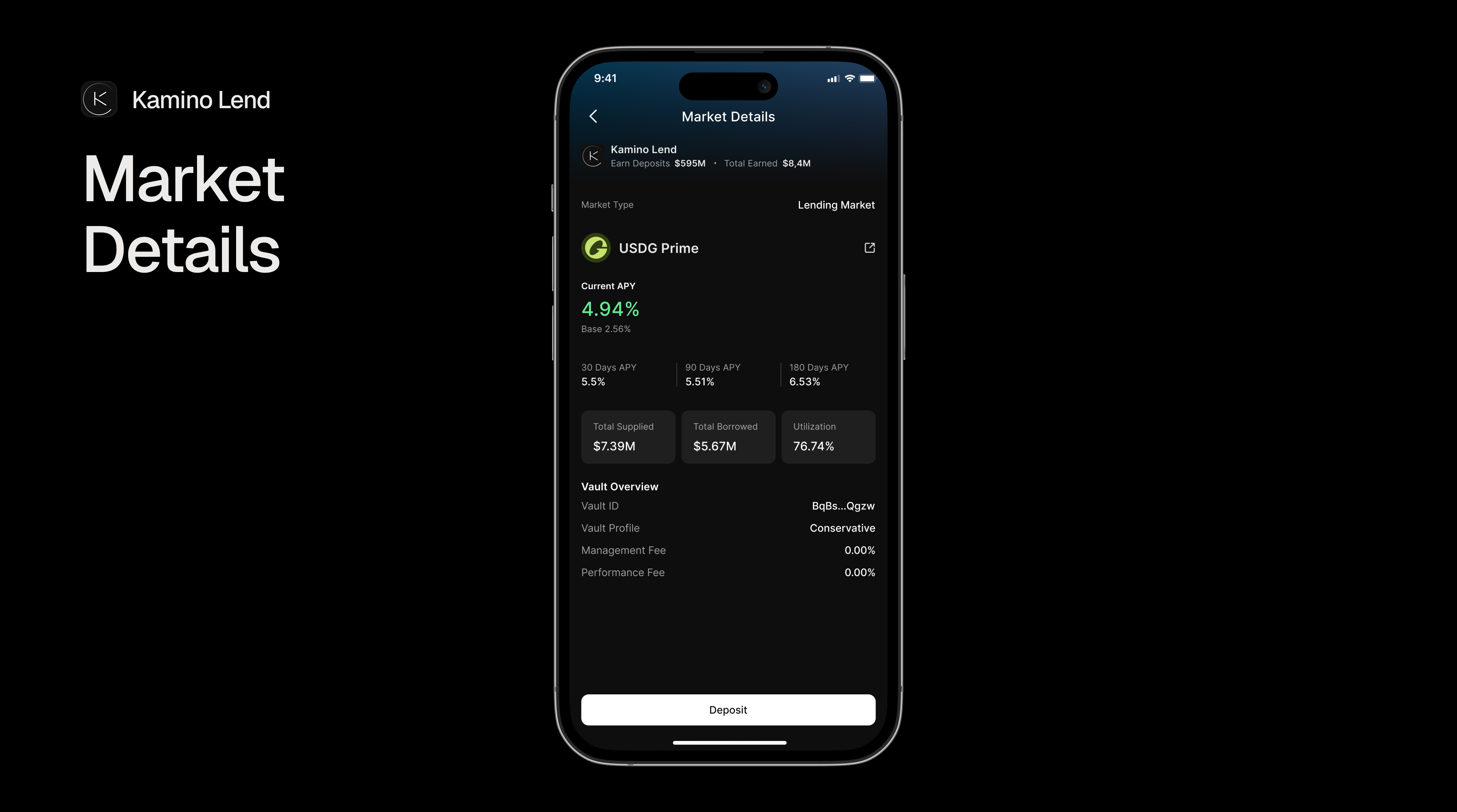
 Yield markets allow users to deposit assets and earn returns through various DeFi strategies. Unlike traditional lending markets where returns come from borrower interest, yield markets generate returns through liquidity provision, staking rewards, automated strategies, and protocol-specific incentives.
Our Markets API already contains lots of information that you would manually collect via multiple API calls throughout protocols and providers, such as:
Yield markets allow users to deposit assets and earn returns through various DeFi strategies. Unlike traditional lending markets where returns come from borrower interest, yield markets generate returns through liquidity provision, staking rewards, automated strategies, and protocol-specific incentives.
Our Markets API already contains lots of information that you would manually collect via multiple API calls throughout protocols and providers, such as:
- basic protocol information (one call contains multiple protocols),
- APY information,
- token information,
- vault information,
- actions, etc.
Supported Protocols
Our Markets API provides unified access to yield markets across multiple protocols: If you want more information on the protocols that are supported, please refer to the Supported Protocols Section page.Yield vs Lending
Yield markets and lending markets have different mechanics. Below is a side-by-side comparison:Data Structure
Below is an example of a yield market response from the Markets API. Based on customer demand, we may add more fields to the response in the future. For the latest data structure, please have a look at our Markets API Reference page.Please note that we do our best to design our APIs to be non-breaking. It is
recommended to filter the response and only include the fields / types you
need to ensure it won’t break your application if new fields are added over
time.
Yield Markets Data Structure
Practical Example
In order to better understand how the API works, let’s walk through an example response for the Kamino Lend USDC Prime Vault below:API Response for Kamino Lend USDC Prime Vault
Understanding the Response
What you can see here is the original response from the API. As mentioned in the introduction section, this response is powerful enough to drive full-fledged dashboards and applications. Let’s break it down into its components:-
Market Identity:
id: Unique identifier combining protocol, market type, and addresstype: Market category (alwaysyieldfor yield markets)provider: Protocol information for branding in your UItoken: Full token information including address, symbol, decimals and iconwebsiteUrl: Direct link to the market on the protocol’s website
-
APY Breakdown:
depositApy(3.89%) — Total combined yield including rewardsbaseDepositApy(2.16%) — Core yield from the strategybaseDepositApy30d(6.18%) — Historical 30-day averagebaseDepositApy90d(8.24%) — Historical 90-day averagebaseDepositApy180d(11.84%) — Historical 180-day averagerewardsarray (1.73% KMNO) — Additional incentive tokens for depositors
-
Market Metrics:
- This vault holds $174.6M USDC across all depositors (
totalDepositandtotalDepositUsd).
totalDepositis in the token’s native units, while thetotalDepositUsdis in USD. - This vault holds $174.6M USDC across all depositors (
-
Actions: The
actionsobject contains Blink URLs fordeposit,withdraw, and optionallyclaimRewardsdepending on the protocol. -
Additional Data: The
additionalDataobject contains protocol-specific metadata. In this example, we have the following additional data for the Kamino Lend USDC Prime Vault:vaultAddress: The address of the vaultvaultSlug: The slug of the vaultvaultName: The name of the vaultvaultRiskProfile: The risk profile of the vault
Protocol-Specific Additional Data
TheadditionalData field varies by provider. In our example, we have the following additional data for the Kamino Lend USDC Prime Vault:
Kamino Lend
shareToken additional data, which is the token information of the token that you will receive when you deposit in return for your deposit.
Jupiter Earn and DeFi Carrot
withdrawCooldownHours additional data:
Lulo Boosted
additionalData field will continue to grow and be more powerful. If you need more information or want to check out what protocols are supported, please refer to the Supported Protocols page.