

How it works
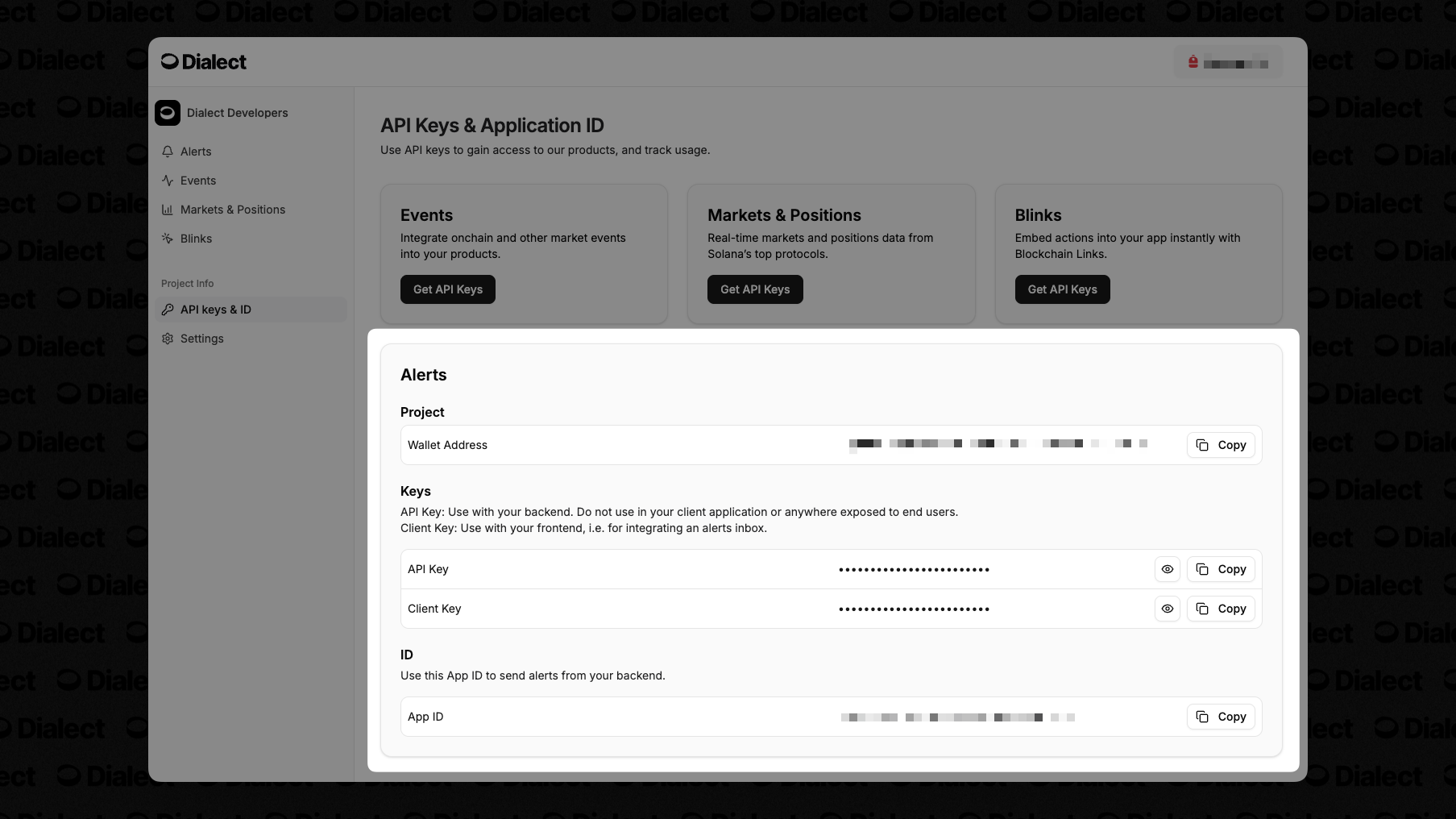
API keys for Alerts are created automatically when you register your app in the Dialect Dashboard. To do so please follow the steps below:1
Navigate to the Dashboard
Head to the Dialect Dashboard and connect
your wallet.NOTE: If you’re having trouble connecting your wallet, try using a VPN and refreshing the page. This is especially common in the UAE.
2
Register your app
Click on “Register your Project” and fill out the required fields. Learn more.
3
Get your API keys
Once registered, they’re available in the API Keys section of the dashboard. You can’t find the keys before registering your project.